Every account. Every rupee. One clear picture.
Upload your statements and Kleo does the tracking for you. Spending sorts itself. Your net worth in a single number. Your whole portfolio, one glance. You just look.
Loved by early users who finally know where they stand
- Auto-categorized spending
- Net worth in one number
- Investments in one place
- Free — no card required
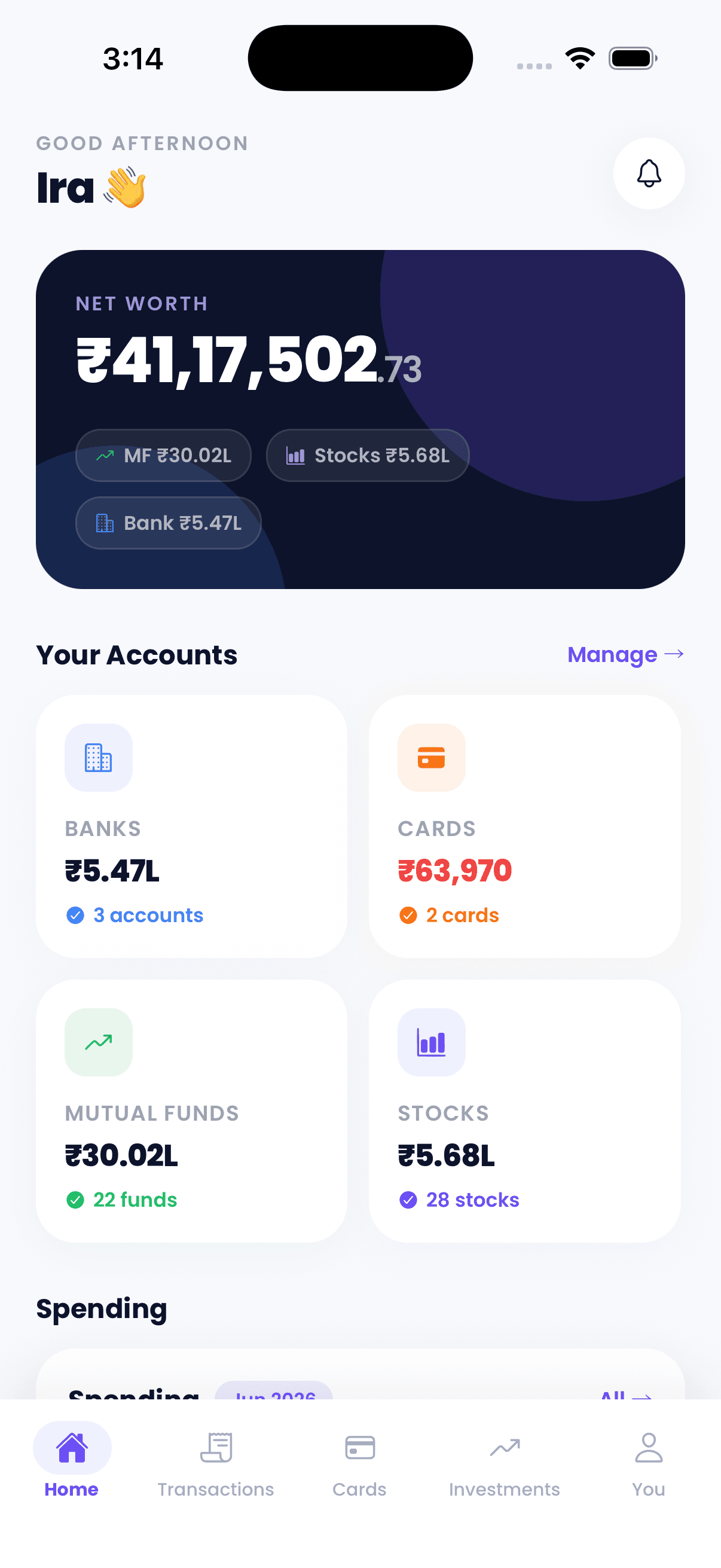

Built for your whole financial life
- Bank accounts
- Credit cards
- Mutual funds
- ETFs
- Stocks
- Insurance
- 0 sec
- from download to your full picture
- 0%
- of transactions categorized for you
- ₹0
- to use — free, no credit card
- 0
- view of everything you own and owe
The core of Kleo
One app for your entire financial life.
You have money in more places than any single app can see — until now. Upload your statements and Kleo does the tedious work, so the numbers that matter are readable and in one place. No spreadsheets, no tagging each transaction by hand.
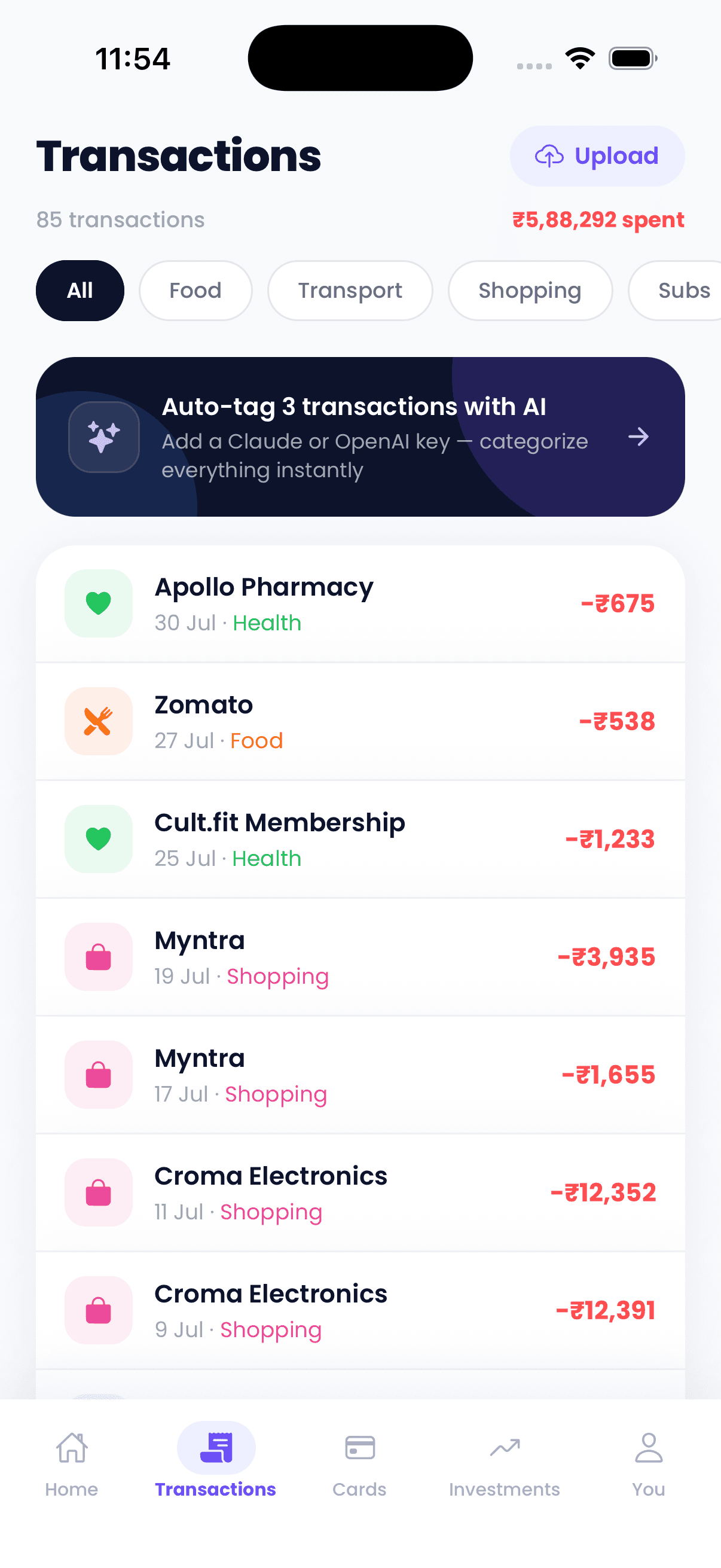
Every transaction, sorted for you
Upload a statement and Kleo reads every credit-card and bank transaction, then categorizes each one automatically — food, travel, subscriptions, utilities. No manual tagging, no falling behind.
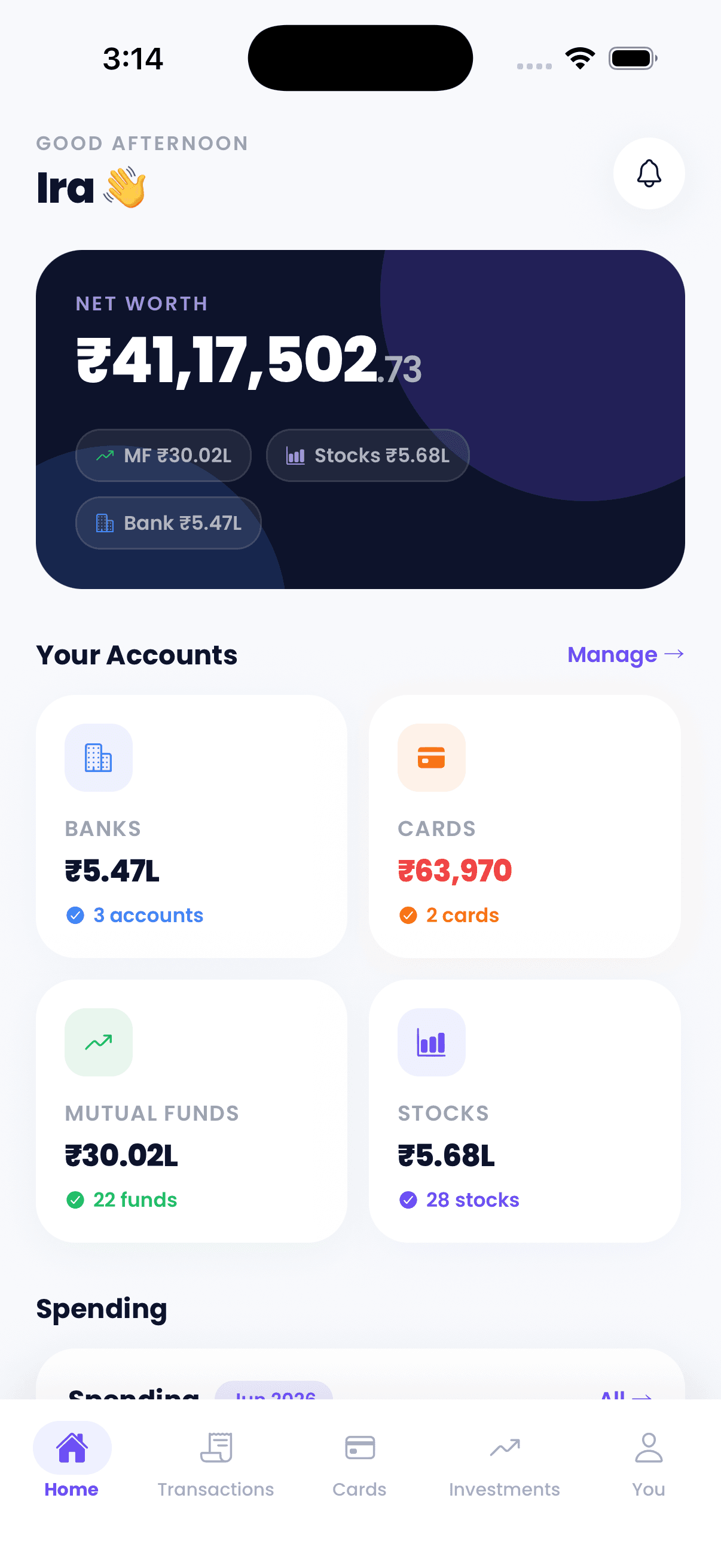
Net worth in a single number
Bank balances, credit-card outstanding, and investments add up to one net-worth number that updates as you add new statements. See exactly where you stand at a glance.
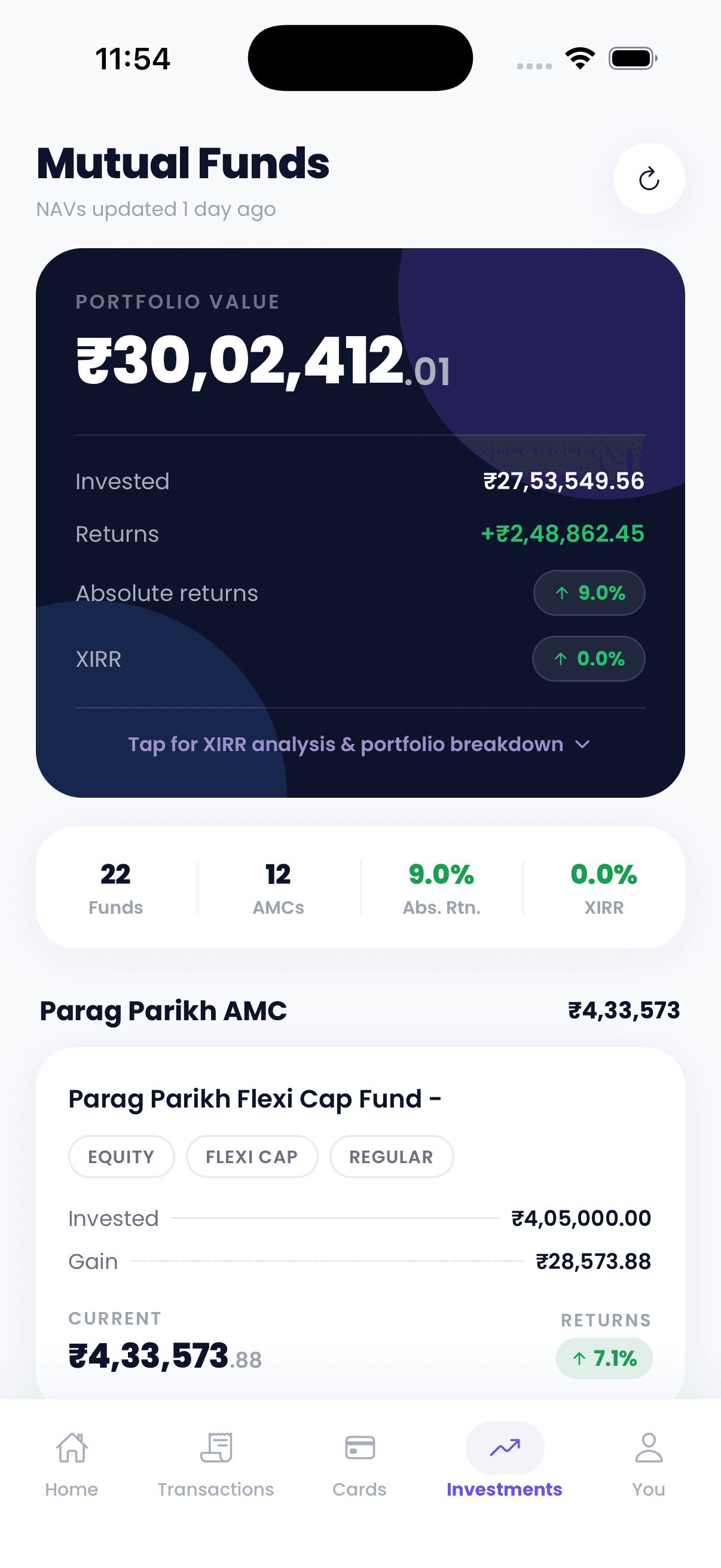
All your investments in one place
Mutual funds, ETFs, and stocks — holdings, current value, and returns side by side. Watch your portfolio without hopping between five different apps.
How it works
From “where did it all go?” to “got it” in three steps.
No setup marathons. No spreadsheets. Upload a statement and Kleo turns it into your money story — refreshed whenever you add the next one.
- 1
Add your accounts in a minute
Upload a statement or report — PDF or CSV — for each account, or add a few entries by hand. Your data stays yours, always.
- 2
Kleo does the busywork
Every transaction lands pre-categorized. Balances, holdings, and premiums line up automatically. No tagging, no spreadsheets.
- 3
Watch it all make sense
Spending, cash flow, net worth, and portfolio in one dashboard. Ten seconds a day is all it takes to know exactly where you stand.
Everything included
Not a budgeting nag. A money brain.
Kleo doesn’t lecture you about lattes — it quietly keeps a clear picture of your finances. Here’s what switches on the moment you import your first statement.
Automatic categorization
Every transaction is tagged the moment it lands — no manual work, no falling behind, no “uncategorized” pile.
FoodTravelSubscriptionsUtilitiesHealthShoppingCash-flow tracking
Money in versus money out, month over month — so you always know if you’re ahead or behind.
Net-worth overview
Assets minus liabilities, updated in real time as balances and investments move.
₹18.2L ↑ 14.6%
Investments in one view
Mutual funds, ETFs, and stocks with live value and P&L, side by side — no more app-hopping to see your portfolio.
Mutual funds
+12.4%
Stocks
+8.9%
ETFs
+10.2%
Protection & insurance
Policies, premiums, coverage, and renewal dates in one place — nothing lapses by surprise.
Statement import + AI
Drop in a PDF or CSV statement and AI fills in anything the rules can’t match. Months of history in minutes.
Private by design
You decide what goes in, and it’s encrypted in transit. Your data is never sold — what’s yours stays yours.
People finally understand their money.
Here’s what early Kleo users say after their first upload.

Frequently asked questions
If you have anything else you want to ask, reach out to us.
Is Kleo really free?
Yes. Kleo is free to use right now — no credit card, no trial, no paywalled essentials. You get your complete money picture without paying anything.
How does Kleo get my transactions?
You bring your data into Kleo by uploading the statements or reports your bank, card, and investment providers give you — PDF or CSV. Kleo reads them and pulls in your transactions and balances. You can also add entries manually anytime.
Do I have to categorize transactions myself?
No. Kleo categorizes transactions automatically. Anything it can’t match with local rules can be tagged with AI, and you can always adjust a category with a tap.
What can I track in Kleo?
Spending across cards and bank accounts, bank and credit-card balances, mutual funds, ETFs, and stocks with returns, plus insurance policies and their renewal dates — all in one view.
How is my net worth calculated?
Kleo adds up your assets — account balances and investment values — and subtracts your liabilities like credit-card outstanding, then updates that number whenever you add a new statement or entry.
Does Kleo give investment advice?
No. Kleo is built to give you one clear view of your finances, not to tell you what to buy or sell. The goal is understanding, so you can make your own better decisions.
How does the AI categorization work?
You can connect your own Claude or OpenAI API key in the app under AI Settings. Kleo uses it to tag transactions that local rules can’t match, and the key syncs securely to your account.
Which platforms is Kleo on?
Kleo is a mobile app for iOS and Android. Download it from the App Store or Play Store and sign in with your phone number to get started.
Do I have to enter data manually?
Not transaction by transaction — you upload a statement and Kleo reads every transaction from it at once, so you’re not typing each one. Manual entry is there when you want it.